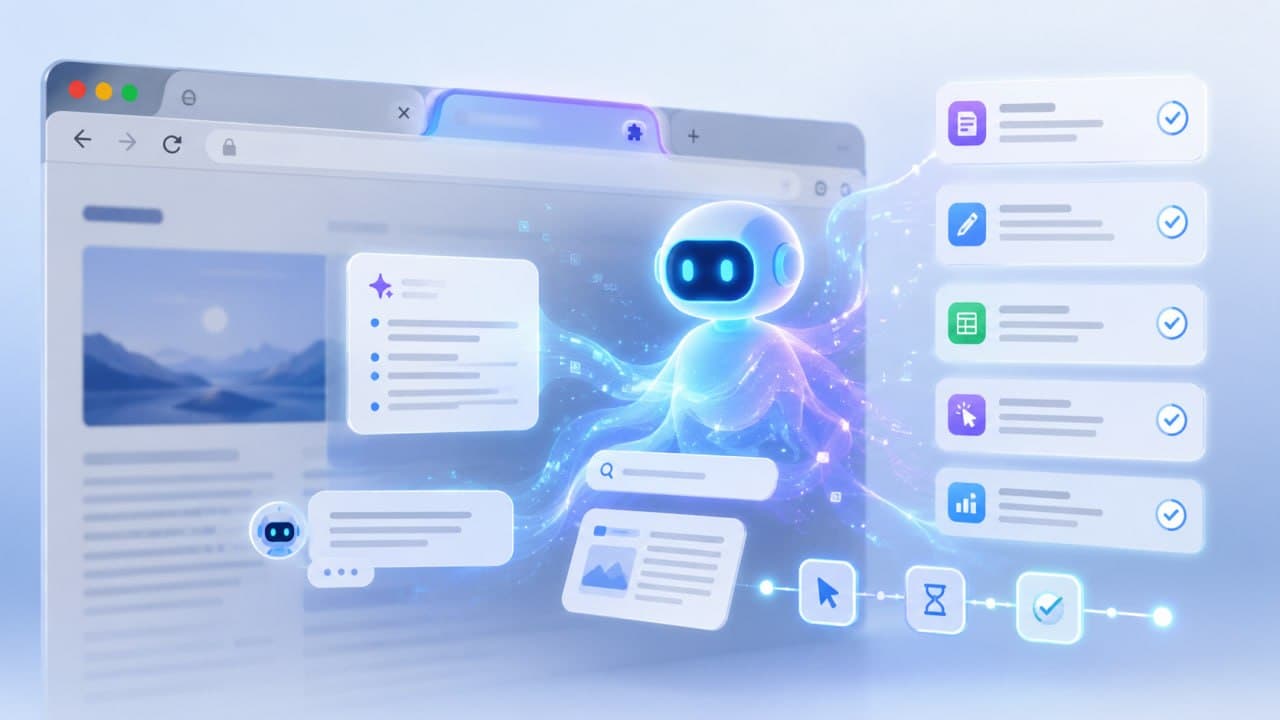
Browser Agent Extensions Are Turning Your Tab Into a Tireless Assistant
For decades the web browser has been a fundamentally passive tool. You click, you type, you scroll, and the browser faithfully shows you what you ask for, but it never does anything on its own. That assumption is now being quietly overturned. A new category of software, the browser agent, is arriving in the form of extensions and specialized browsers that can actually take actions for you, navigating websites, filling forms, gathering data, and even helping write and debug code, all directly inside the tab. For anyone learning to program or automate tedious work, this is one of the most interesting shifts happening in software right now.
The core idea is simple but powerful. A traditional browser extension adds a small feature, like a password manager or an ad blocker. A browser agent extension goes much further, embedding an artificial intelligence model that can understand a goal expressed in plain language and then carry it out by controlling the browser itself. Instead of you clicking through ten pages to compare prices or copy information into a spreadsheet, you describe what you want in a sentence, and the agent does the clicking, reading, and typing on your behalf. The browser stops being a passive window and becomes an active participant.
The technology behind this leapt into the mainstream when major AI companies released agents capable of autonomously performing tasks through web browser interactions, handling things like filling out forms, placing online orders, and scheduling appointments. These were followed by full AI-powered browsers with agent capabilities built directly into them. But the more accessible and, for many people, more interesting development has been the wave of browser extensions that bring the same power to the ordinary Chrome or Firefox you already use. You install an extension, connect it to an AI model, and suddenly your everyday browser can automate real work.
What makes these extension-based agents especially appealing is that many of them are open source, free, and privacy focused. A standout example is a category of tools that run multi-agent workflows using your own AI provider keys, offering a free and private alternative to the big commercial agents. Because the extension runs locally in your browser and talks directly to whichever AI model you choose, your data does not have to pass through a third party’s servers. Some tools take this even further, running smaller AI models directly on your computer’s own hardware, which eliminates external costs entirely and keeps everything on your machine. For a learner, this is a gift: you can experiment freely without a subscription and without handing your browsing data to anyone.
The way these agents are used falls into two broad camps, and both matter for someone building technical skills. The first is automation, the classic case of getting repetitive browser work done without effort. Many of these tools offer a no-code visual builder, a drag-and-drop interface where you connect blocks to design a workflow without writing any code at all. You might build an agent that summarizes long articles, extracts data from a series of pages, monitors a site for changes, or drafts and sends routine emails. Pre-built templates for common jobs like content generation and data extraction let a beginner get a useful automation running in minutes. This is a genuinely gentle on-ramp to the mindset of automation, teaching you to break a task into steps and hand it to a machine, which is the very heart of programming thinking.
The second camp, and the one that excites developers most, is coding assistance that lives in the browser. This is where browser agents connect to the current revolution in AI-assisted development. Traditional AI coding assistants have a blind spot: they can write code, but they cannot see the running result in the browser, cannot tell when a JavaScript error occurs, and cannot understand a layout problem you are staring at. A new breed of tool fixes exactly this by creating a bridge between the browser and an AI coding agent. These tools let the agent see what you see through screenshots and inspection of the page structure, capture errors and network traffic in real time, and receive feedback directly from you, even letting you sketch a rough interface idea on the page and send it straight to the agent. Suddenly the AI helping you code is no longer blind to the actual web page it is building.
Making all of this work smoothly across different tools has been helped enormously by an emerging open standard for connecting AI models to external tools and data. This standard acts like a universal adapter, letting a browser agent plug into an AI assistant in a consistent way rather than every tool inventing its own method. For learners this matters because it means the skills and setups you build are increasingly portable, not locked to a single product.
None of this comes without caution, and understanding the risks is part of using these tools responsibly. An agent that can click buttons and submit forms on your behalf is powerful, and a poorly instructed or malicious one could take unwanted actions, from ordering the wrong thing to exposing information. Giving an automated agent permission to act on real websites where money or private data is involved deserves genuine care, and the sensible approach is to start with low-stakes tasks, watch what the agent does, and grant broad permissions only once you trust it. Treat a browser agent like a capable but inexperienced intern: helpful, fast, and worth supervising closely at first.
For someone learning technology today, browser agents are worth paying attention to precisely because they sit at the crossroads of so many important skills, automation, AI, and web development all at once. They lower the barrier to automating real tasks, they give AI coding assistants eyes to see the browser, and they teach the fundamental habit of describing a goal clearly enough for a machine to carry it out. The passive browser is becoming an active collaborator, and learning to direct it well may soon be as basic a skill as knowing how to search the web is today.